Game Guide
Ragui begins with a simple goal: arrange matching pieces into rows or columns. A level is completed when Next is reduced to zero. As levels advance, the number of different pieces increases and additional ways of manipulating the board become available.
The top bar shows the current status and controls.

Matching and Moves
Arrange at least three matching pieces in a horizontal or vertical line to collect them. Making a move costs a movement point. Successful matches return moves, and larger matches can return additional moves. Running out of moves ends the game.
The challenge is therefore not simply to find matches, but to make productive moves often enough to keep playing while building your score.
An Expanding Board
Progressively more tile types appear as you advance. At the same time, Ragui introduces additional ways to rearrange the board. These include wrapping pieces between opposite edges, shifting complete rows and columns, swapping rows or columns, and increasingly flexible forms of swapping individual pieces.
When an ability is introduced it is indicated in the top status bar.
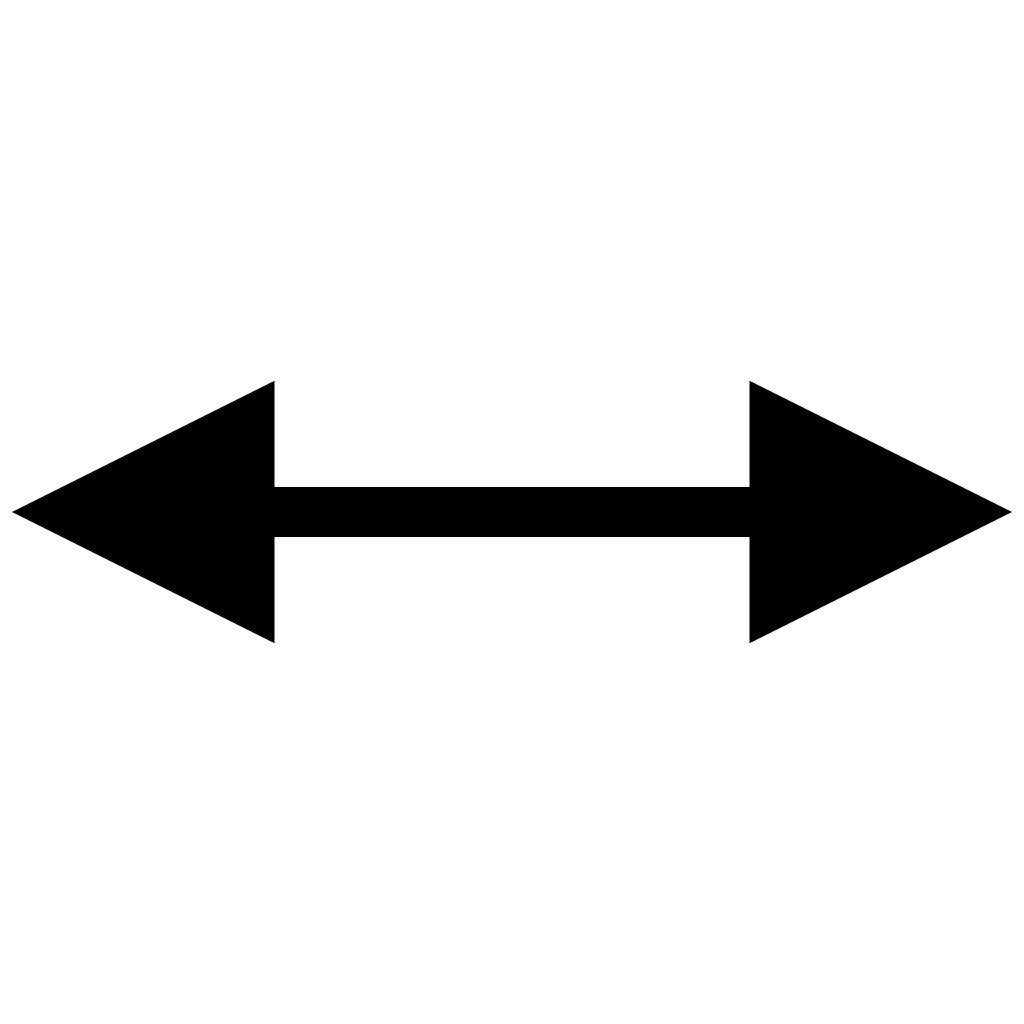 Shift within a row
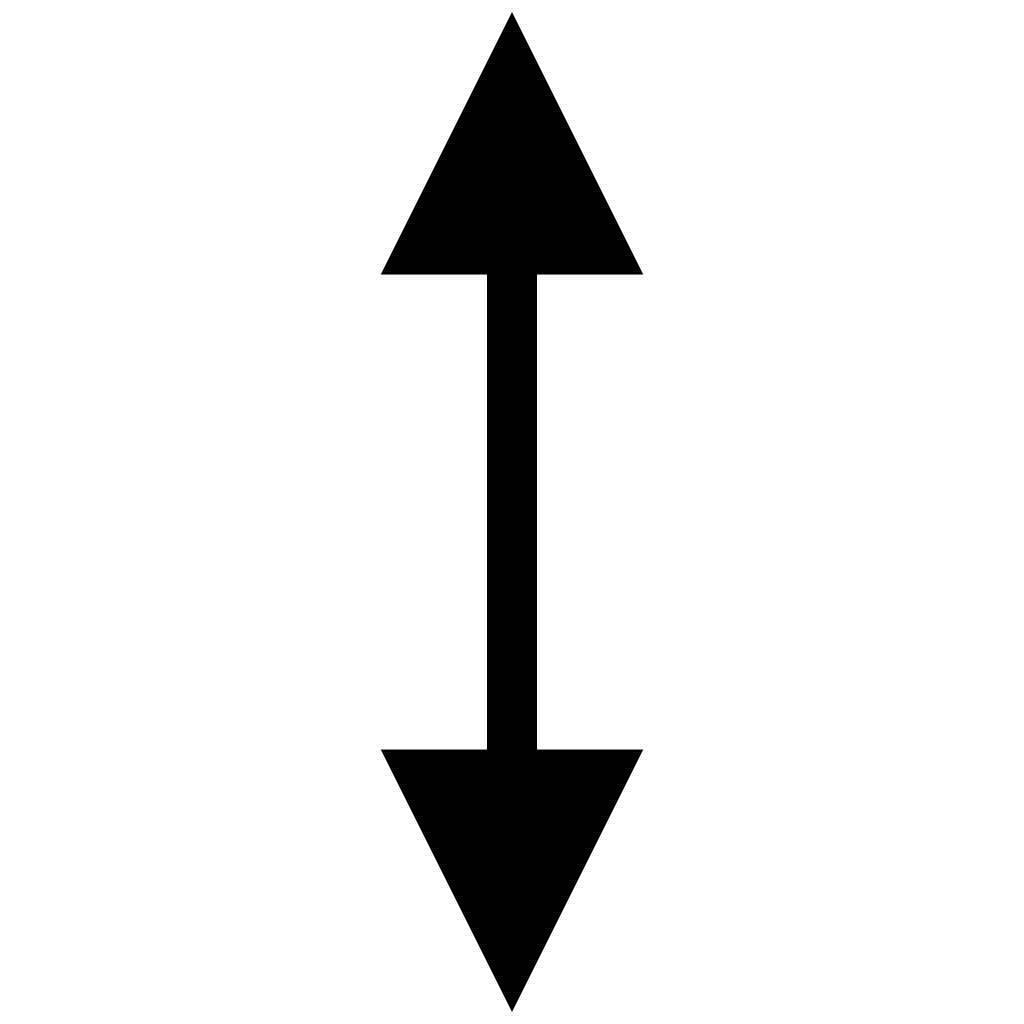 Shift within a column
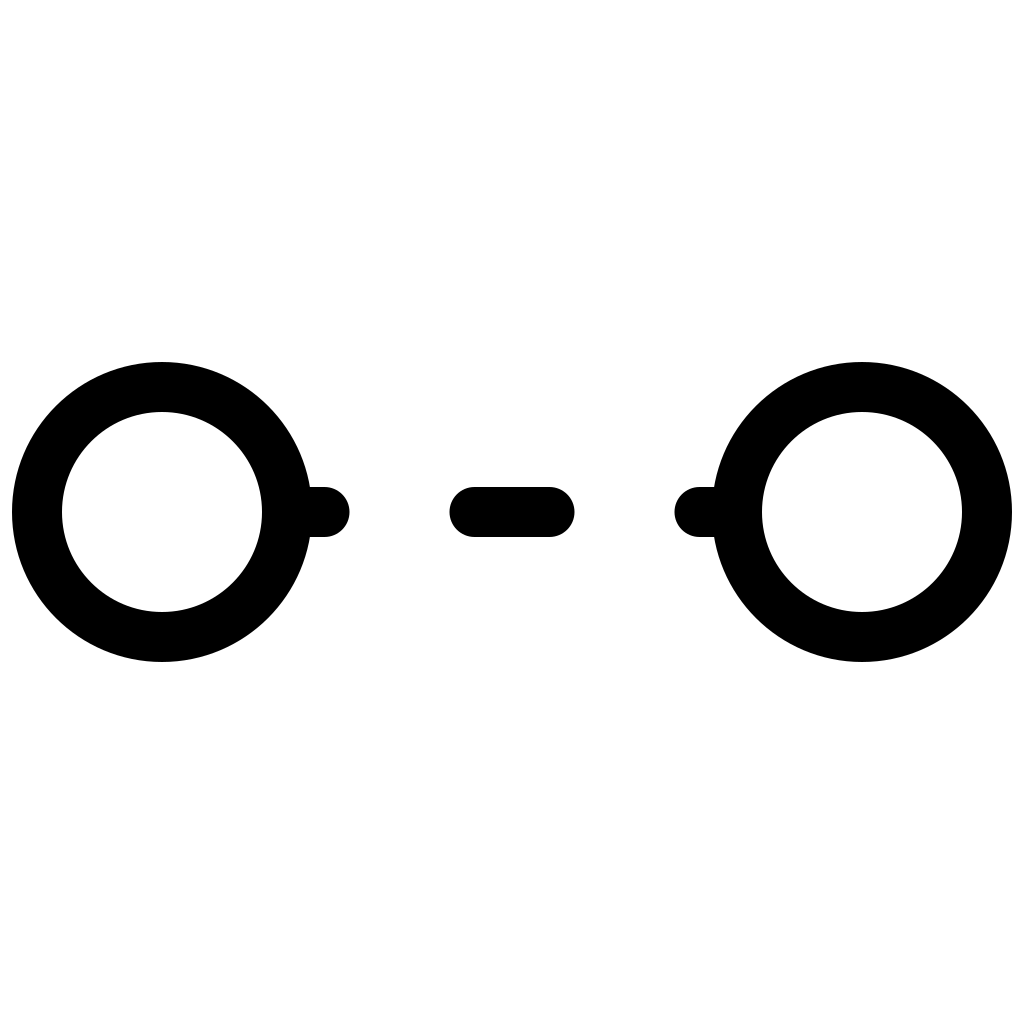 Swap across left and right edges
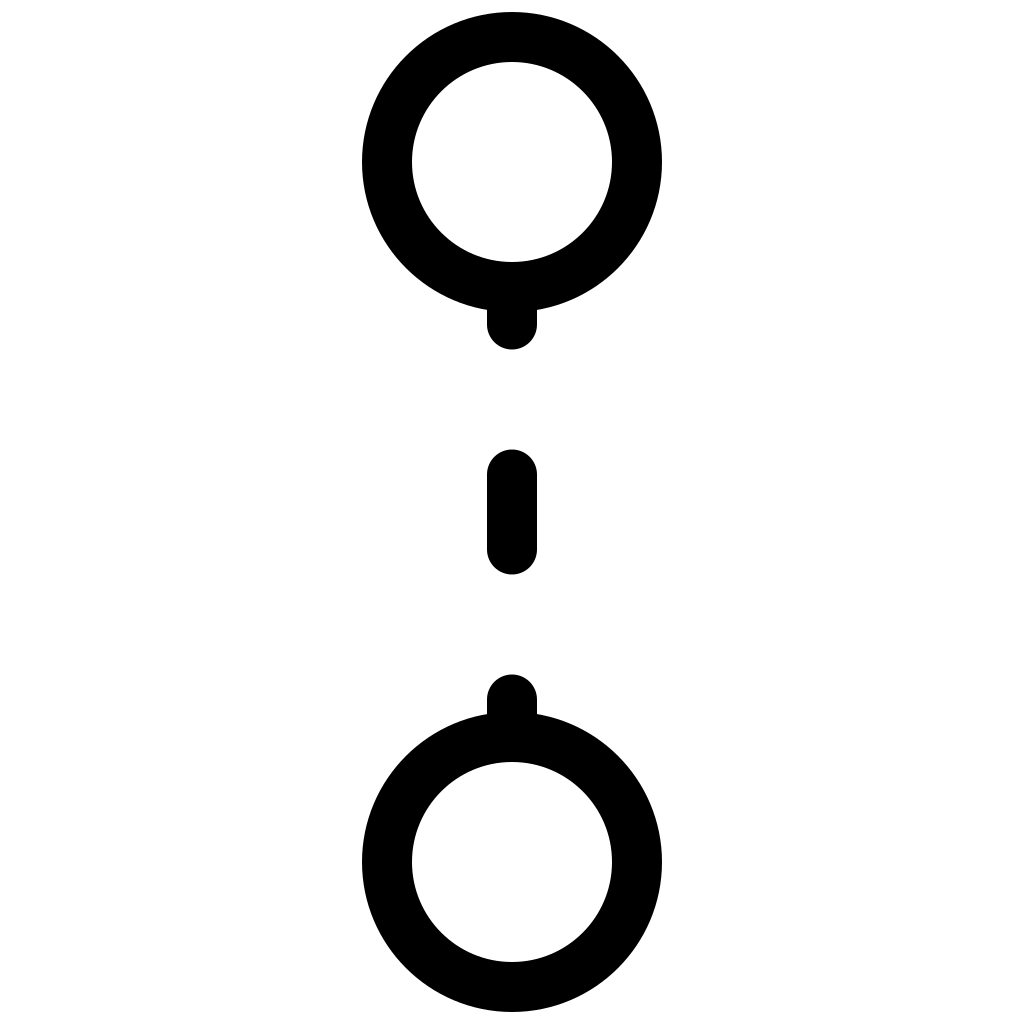 Swap across top and bottom edges
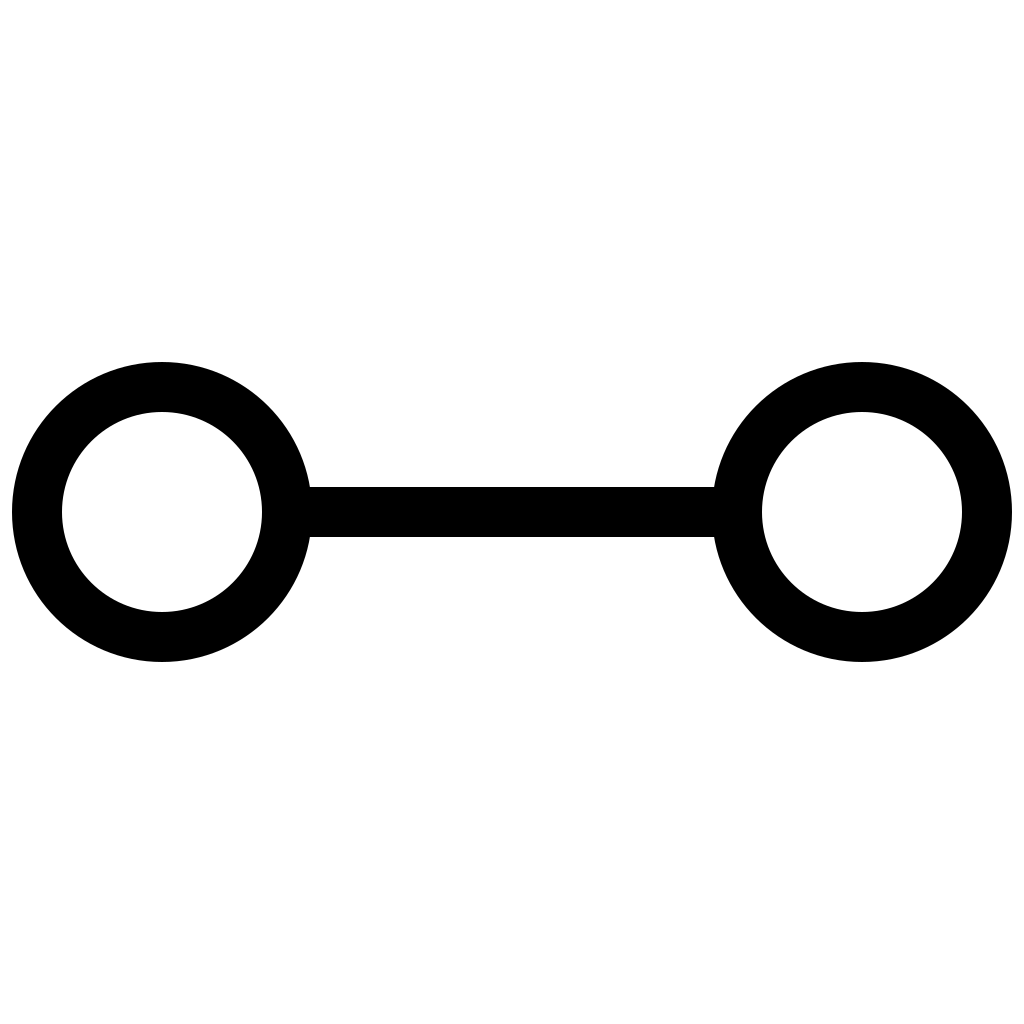 Swap in a row
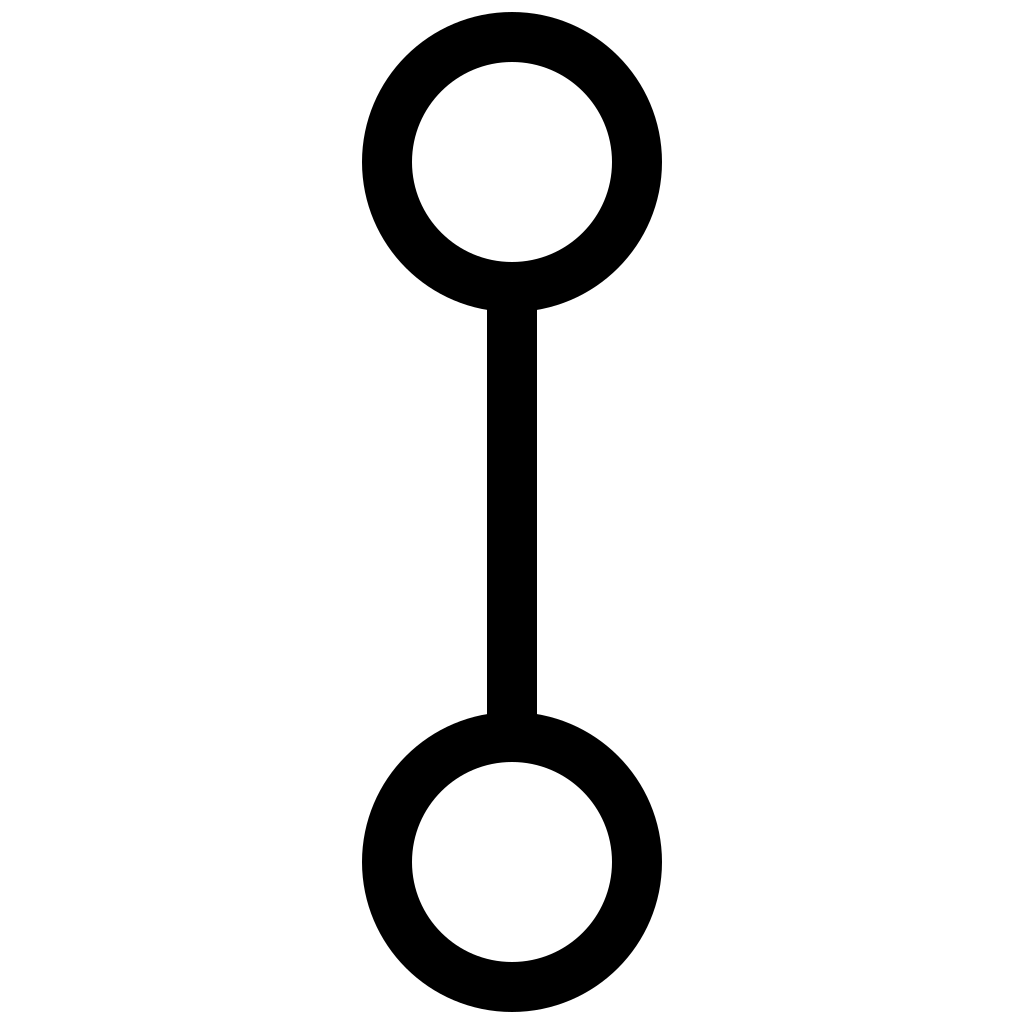 Swap in a column
 Swap any two
Some levels move all pieces one step automatically after a certain number of moves. When this is the case a color indicator is displayed in the status bar. A blue circle is shown if no movement will occur for at least two turns. A yellow circle is shown if there will be movement after the next turn. A red triangle is shown when there will be movement at the end of the turn with the triangle pointing in the direction of the movement.
Completing Levels
A level may be completed in different ways depending on the game and level in question, but no matter the method, the amount remaining is shown by Next in the status bar. There are three ways a level may be completed:
A level may require using up a certain number of moves.
A level may require having a certain number of moves remaining that were accrued on that level.
A level may require obtaining a certain number of points while playing it.
Information Panel
The information panel provides a more detailed view of the current game, including its progress, the pieces collected, and the currently selected piece.
The panel displays the current difficulty and indicates when a game is being played in Freeplay mode. It also provides information about the selected piece, identifying ordinary pieces by their type and describing the behavior of special pieces.
As pieces are collected, they appear in the panel's collection area. This provides a visual record of the pieces removed from the board during play.
On larger displays, including iPad and macOS, the information panel remains visible alongside the board. On iPhone, where screen space is more limited, the panel can be revealed with a two-finger swipe, allowing the game board to occupy the available space during normal play.
iPhone
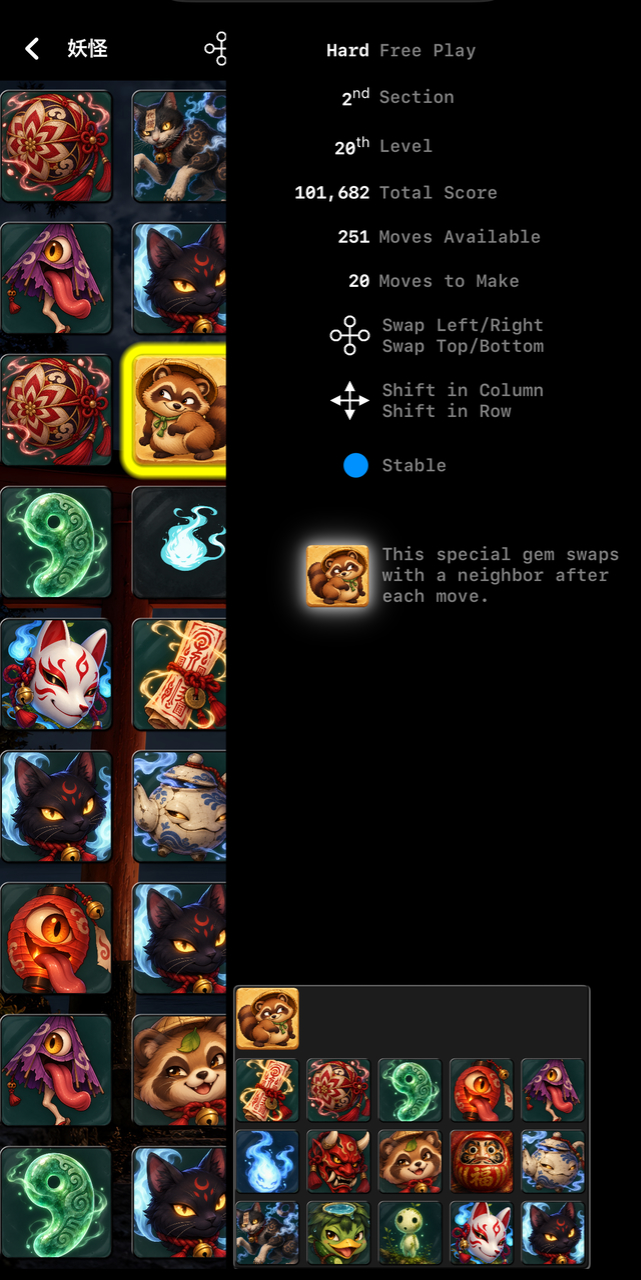
Swipe left with two fingers to reveal and swipe right with two fingers or touch the panel to hide it again.
iPad
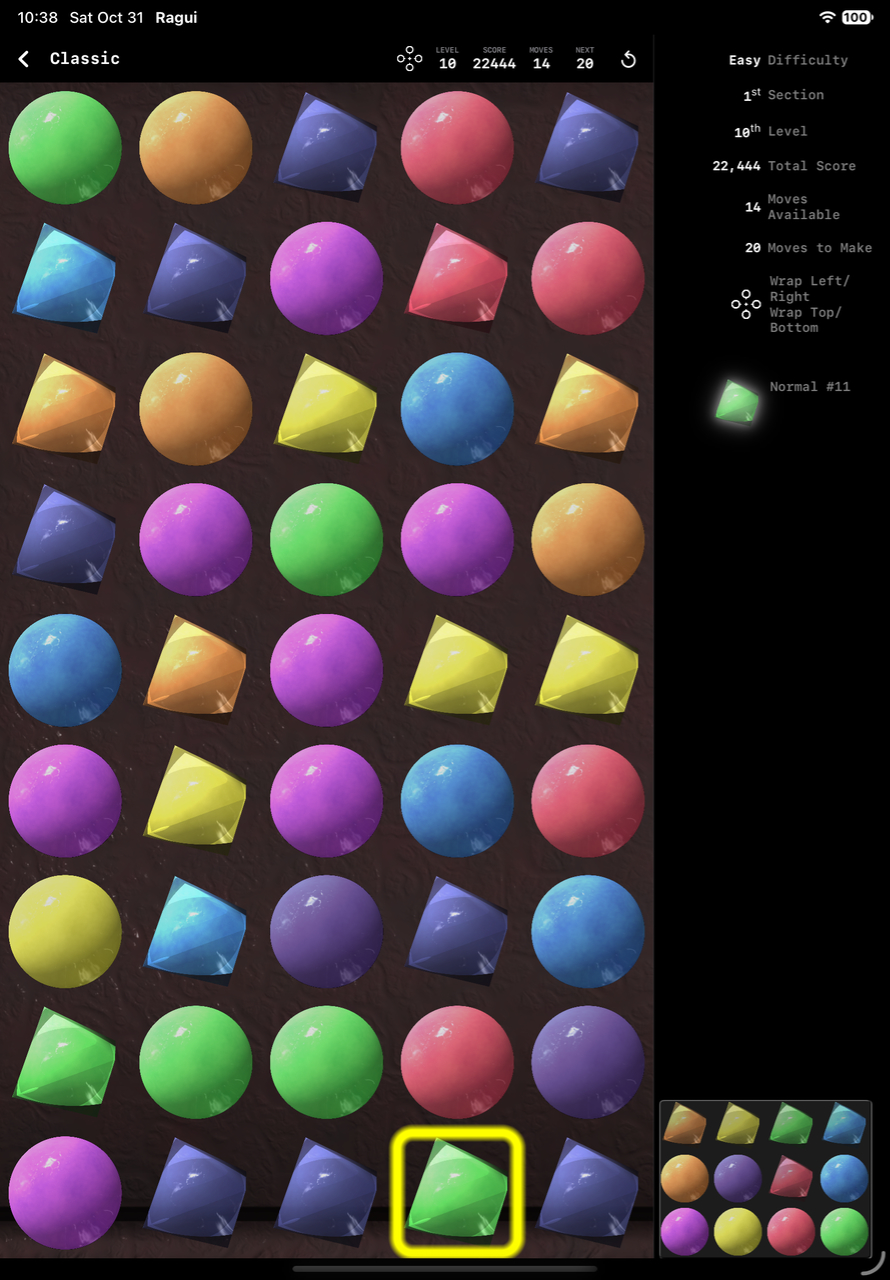
The panel is always visible.
macOS
The panel is visible whenever the window is wide enough to accommodate it.
Special Tiles
Some tiles have special effects beyond ordinary matching. Their visual presentation identifies them as special tiles and their effects can change the board or the course of a game.
Some pulse while others may flip or twitch. Not every piece that moves or shimmers is special, but those that do have a visual presentation that is particular to them.
Swapper

A swapper looks around for an opportunity to be mischievous. After each player move a swap piece will swap positions with a neighboring piece.
Wildcard
A wildcard pulses with vitality and will match with any other piece, including itself. But it can only match one other tile at a time.
Move Adder

A move adder twitches with energy and if matched by a player move increases the moves remaining.
Difficulty and Freeplay
Ragui offers Easy, Average, and Hard games. Easy runs through level 20, Average through level 40, and Hard through level 60. Difficulty affects the variety of pieces encountered, the length of the game, and how readily pieces can be distinguished from one another. Easy and Average use more visually distinct pieces while Hard presents the full range of visual complexity.
Completing a difficulty unlocks Freeplay for that game at that difficulty. Freeplay removes the fixed ending level and allows play to continue as long as you can keep the game alive.
Game Areas
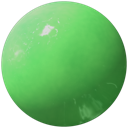
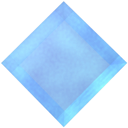
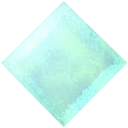
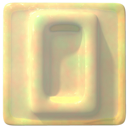
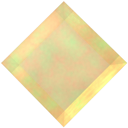
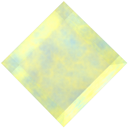
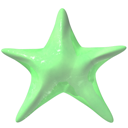
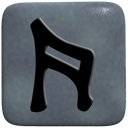
Ragui includes Classic, Highland, Lowland, Útgarð, Sharp, 妖怪, Planetes, Astro, Cosmic, and गणेश. Each area has its own visual identity and may vary the basic rules and presentation of the game. Areas can be unlocked through play or purchased individually.
Classic

Highland

Lowland

Útgarð

Sharp




妖怪


πλανήτης


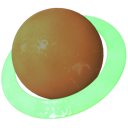
Astro



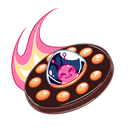
Cosmic
Coming soon
गणेश
Coming soon